


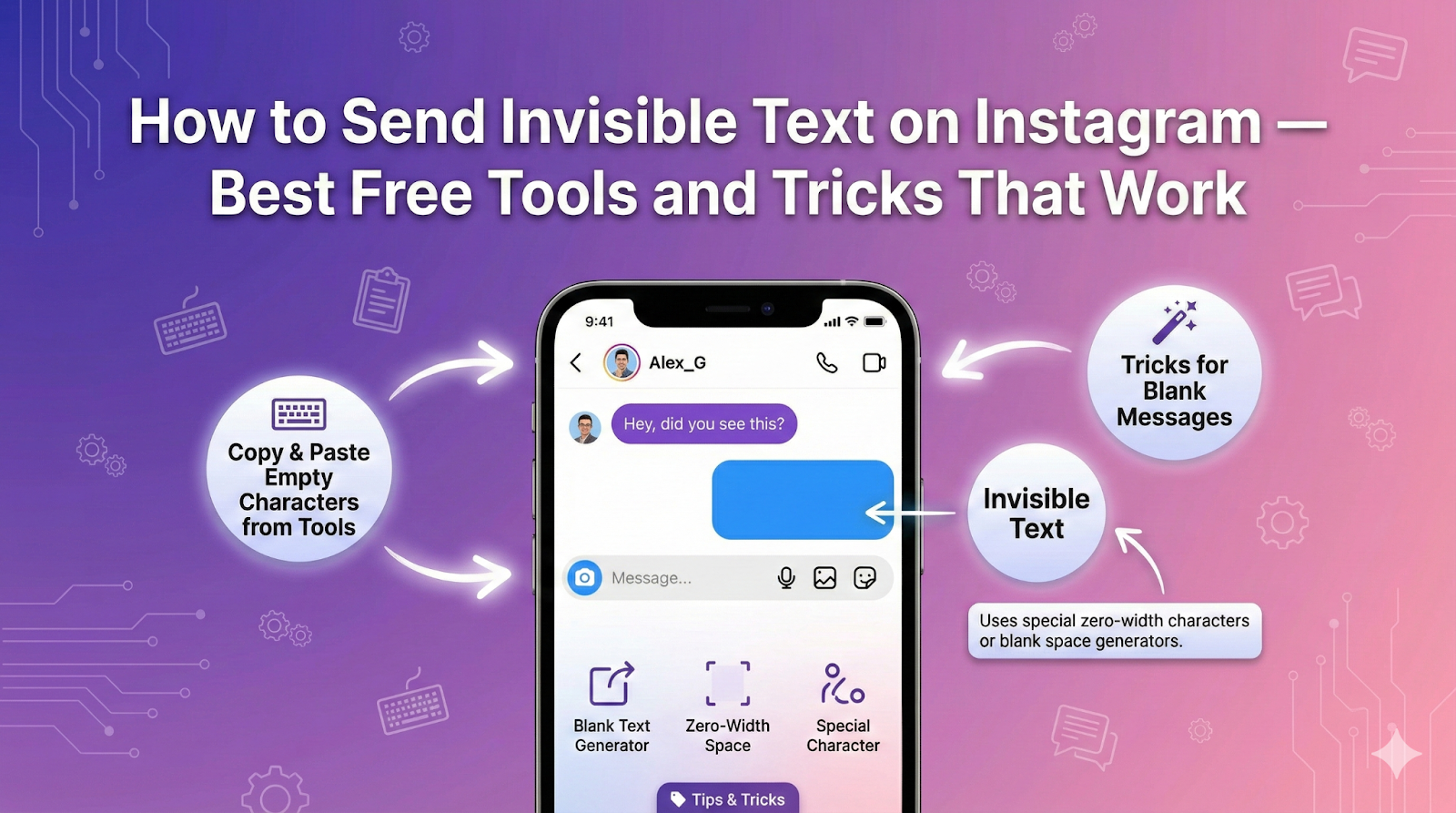
We all know that Instagram is one of the most widely used social media platforms right now. People all around the globe use it to chat with their online friends. Apart from textual messages, users can also send emojis, GIFs, memes, and stickers to add a fun element to their chat. In this article we will discuss how to send Invisible Text on Instagram with free tools and tricks that works in 2025.
One trend that is getting popular among Instagram users (especially Gen Z) is sending invisible text in chat. Yes! You’ve read it right. We are talking about sending a blank message with no letters or words, yet it is counted as a valid message on Instagram.
Sending blank messages isn’t officially supported by Instagram, but by following the right tools and tricks, you can get the job done and make yourself stand out.
In this detailed blog post, we are going to discuss a step-by-step procedure along with some of the best tools that can be used in this regard. So, let’s get started!
1. How to Send Invisible Text on Instagram
Actually, there are multiple methods or tricks that you can adopt when it comes to sending blank text messages on Instagram.
1.1 Method 1: Use an Online Invisible Text Generator
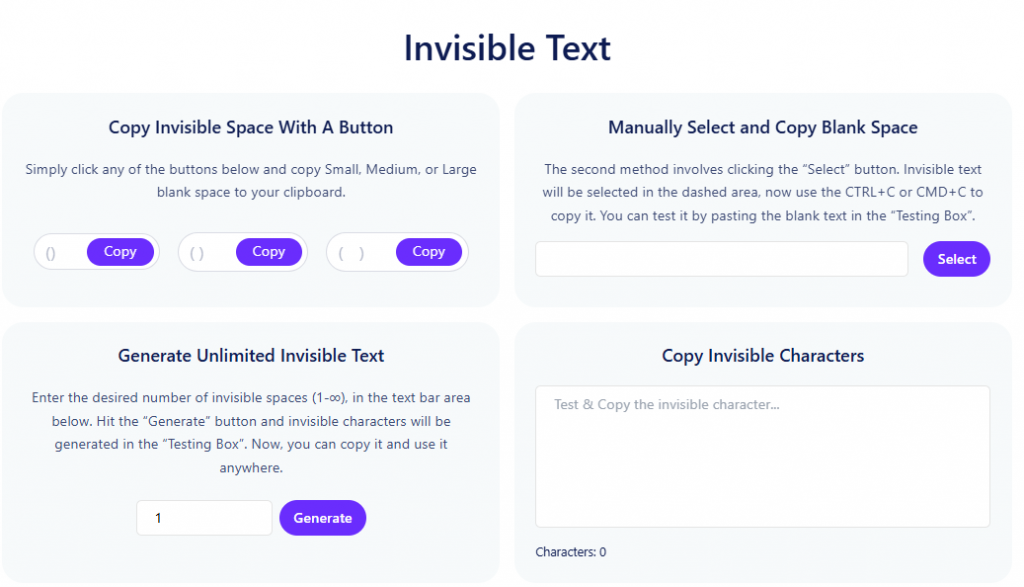
The easiest way to send invisible text on Instagram is through an online tool. The internet is filled with a wide range of tools. Such tools allow you to copy blank spaces, which can then be pasted into chat or anywhere you want to use them.
For this guide, we pickedInvisible-text.net. It offers multiple options to create and copy blank text. Users can copy through a button, manually, or by entering aspecific numberof blank spaces. Here’s a screenshot of this tool’s layout:

1.2 Method 2: Use a Website Offering Unicode Characters
To send invisible text on Instagram, you need to use a special Unicode character known as a zero-width space. It is easily available on any Unicode platform or website. For example,Symbl.ccis a website that we will be using for this blog as a demonstration.
After landing on the site, you simply need to search “Zero-width space” in the search bar. Alternatively, you can also search this code “U+200B.” Here is the result you will get after searching.

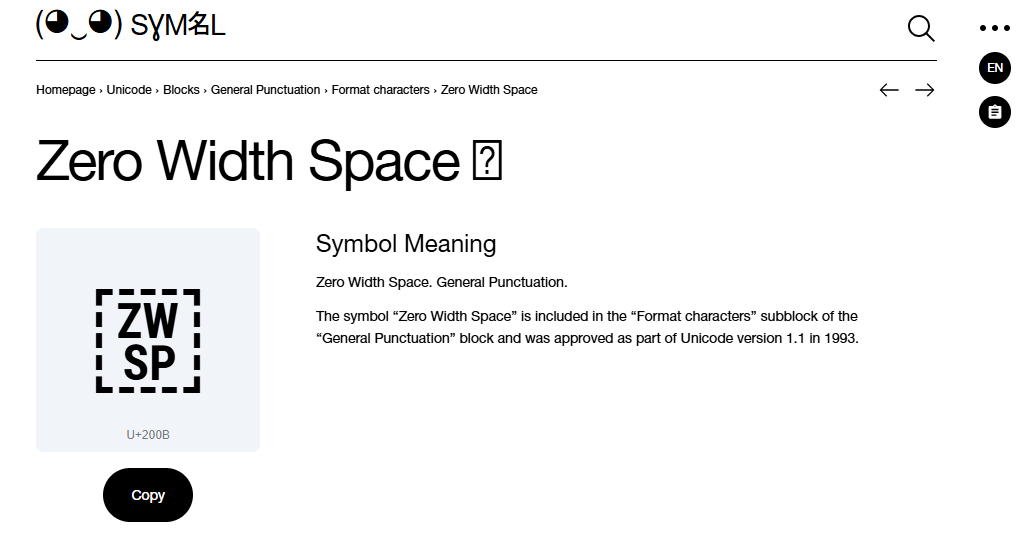
Now, simply click on the copy button, and invisible text will be automatically copied to your clipboard.
2. Open Instagram Chat & Paste
Once you have copied invisible text by using any of the methods mentioned above, you need to open Instagram chat and paste the copied characters. When done, you will notice the sending button becoming active, indicating you can actually send the invisible text.
3. Hit the Button
Finally, click on the send button, and that’s it. You have actually sent an invisible text to your online fellow or anyone on Instagram.
However, it is suggested not to use this hack too many times at once, as this may trigger the Instagram spam algorithm, resulting in account restriction or suspension.
4. Some Alternative Invisible Character Tools to Use
Apart from the one we used above for demonstration, there are multiple other invisible character tools that you can consider using. Some of the decent options are briefly discussed below:
4.1 Editpad
Editpad offers a completely free-to-use invisible character generator. It features an intuitive interface and offers three different methods for creating and copying invisible characters. The purpose of multiple methods is that, if one method does not work on your device, then you can use the other one.

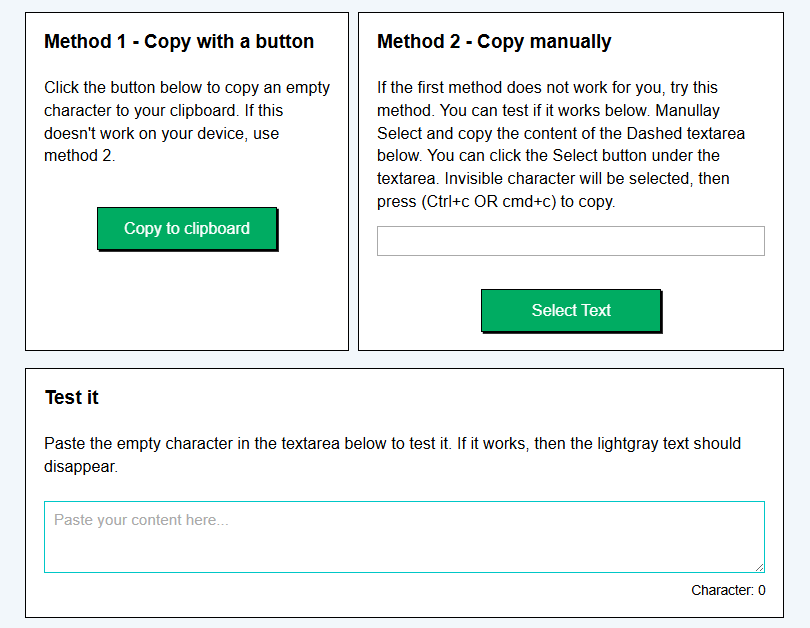
Tool Link: https://www.editpad.org/tool/invisible-character
Moreover, Editpad’s invisible character also provides a test box. It allows users to test whether the invisible characters are actually copied to their clipboard or not.
4.2 Prepostseo
Prepostseo is also another excellent invisible character-generating tool. It offers two options: One involves copying invisible characters in small, medium, and large quantities, while the other allows entering a specific number of characters you want to generate. Just like Editpad, this one also offers a test box.


Tool link: https://www.prepostseo.com/invisible-character
When you paste an invisible character in the box, its character count will increase from 0, indicating you have actually copied it.
This tool supports 10 different international languages, making it a versatile option forglobal users.
Wrapping Up
Sending blank text messages to your friends and family members on Instagram has become quite popular recently. It not only displays your creativity but also builds curiosity among others. Although this feature isn’t officially supported, it can be done if you follow the right tricks. This blog post has discussed a step-by-step procedure and the tools that can be used in this regard and at Hobo.Video, we help brands leverage trends like this into real marketing impact by combining AI-driven insights, authentic creator content, and smart strategy to reach and engage millions across India.
The right support makes brand growth a whole lot easier.Let’s team up.
Not just brand deals. Real connections. Real value.Register here.


