
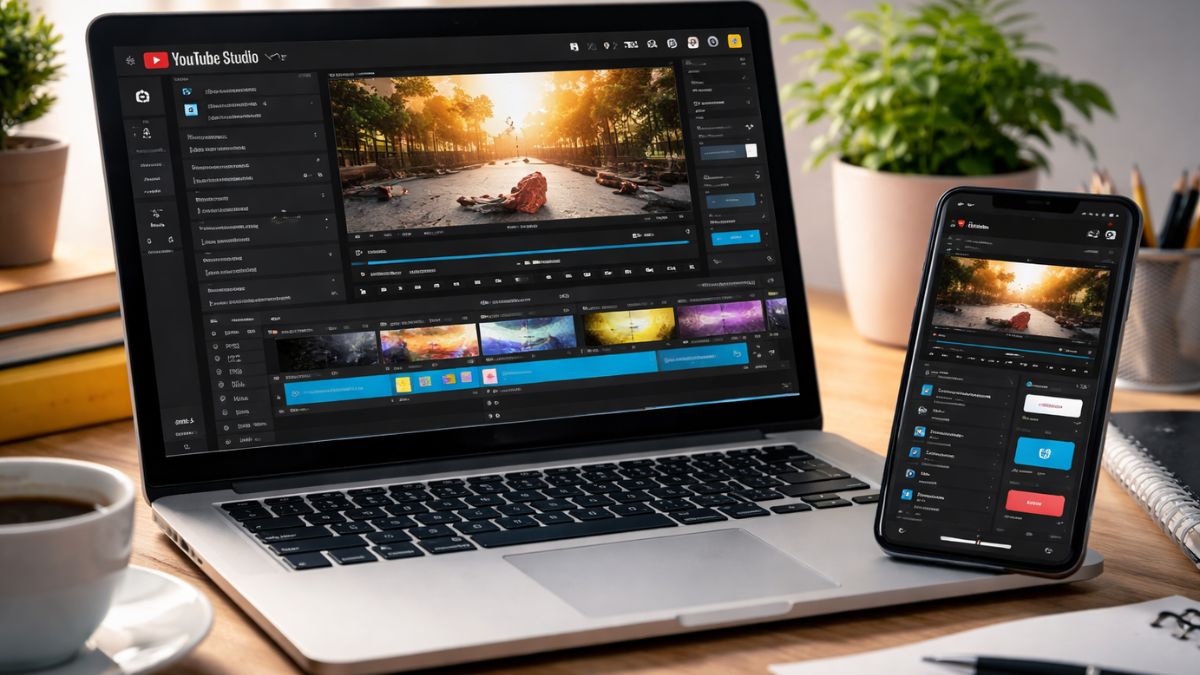
YouTube has become India’s leading platform for creators, brands, and businesses aiming to reach a diverse audience. To stand out, mastering YouTube Studio video editing is essential. Many creators and brands underestimate how powerful editing tools can improve watch time, engagement, and conversions. From trimming clips and adjusting audio to adding captions, overlays, and optimized export settings, editing is critical for professional-quality videos.
In this guide, we will explore how to use YouTube Studio to edit videos like a pro, offering step-by-step workflows, advanced tips, and Indian-specific insights. Whether you’re a budding influencer, a D2C brand, or running UGC videos campaigns, understanding these tools will elevate your content, making it more appealing to your audience. By the end, you’ll have a complete roadmap to create engaging videos, integrate influencer marketing strategies, and optimize for maximum impact.
- 1. Understanding YouTube Studio Video Editing
- 2. YouTube Studio Editing Workflow
- 3. Mastering the YouTube Studio Clip Trim Tool
- 4. Adding Effects and Enhancements
- 5. Optimizing Audio in YouTube Studio
- 6. Export Settings and Publishing
- 7. YouTube Studio Editing Tips for Professionals
- 8. YouTube Studio Video Editor Guide for Beginners
- 9. Leveraging YouTube Studio for Influencer Marketing in India
- 10. Common Mistakes to Avoid in YouTube Studio Editing
- 11. Conclusion
- About Hobo.Video
1. Understanding YouTube Studio Video Editing
1.1 What is YouTube Studio?
YouTube Studio is a robust platform for managing channels, analyzing performance, and editing videos efficiently. It provides features such as clip trimming, audio adjustments, captions, overlays, and color correction. For Indian creators and brands, this platform is invaluable for maintaining content quality while managing influencer campaigns or UGC videos. Using YouTube Studio video editing, you can ensure your videos look professional, consistent, and engaging. Even beginners find Studio intuitive, while advanced creators appreciate its analytics integration, which informs content strategy and campaign decisions. Leading brands like Himalaya and Wipro leverage Studio to manage influencer collaborations and regional campaigns effectively.
1.2 Why Editing Matters
Editing defines how viewers perceive content. Professionally edited videos improve retention and conversions. According to Wyzowl 2024,well-edited videosachieve 60% higher retention rates. For India’s mobile-first audience, concise, visually appealing content is essential. Tools like the YouTube Studio clip trim tool and export settings ensure smooth playback. Editing also supports influencer campaigns and UGC videos, enabling brands to showcase authentic experiences effectively. Structured workflows, combined with creative storytelling, make videos not just engaging but also actionable, boosting brand trust and audience loyalty.
2. YouTube Studio Editing Workflow
2.1 Step-by-Step Editing Workflow
An efficient workflow ensures videos are professional and consistent. Start by uploading all raw footage, then organize clips logically using timestamps and labels. Trim unnecessary segments with the clip trim tool, add audio, captions, and overlays, then preview edits multiple times. Finally, optimize export settings for resolution, frame rate, and format. Indian brands running influencer campaigns often combine multiple clips into one cohesive story. Following a structured YouTube Studio editing workflow saves time, reduces errors, and enhances content quality, whether for tutorials, product demos, or UGC videos. Batch editing and templates help maintain brand consistency while meeting tight deadlines.
2.2 Tools for Faster Editing
YouTube Studio offers features like automatic chapter creation, color adjustments, and watermarking. For creators managing multiple videos, these tools streamline production. Incorporating YouTube Studio advanced editing features such as audio balancing and smooth transitions elevates video quality. Using these tools alongside storyboarding and consistent templates allows Indian brands to maintain professional-quality outputs while running multiple campaigns. Whether for influencer marketing, AI UGC, or brand storytelling, understanding these features ensures efficiency, saves time, and produces polished videos that resonate with viewers.
3. Mastering the YouTube Studio Clip Trim Tool
3.1 How to Trim Videos Efficiently
Trimming clips is one of the most critical steps. Highlight the unwanted section and click trim to remove it. Proper trimming keeps videos concise, engaging, and professional. Short, well-edited clips increase viewer retention, especially on mobile devices. Indian creators leveraging UGC videos should focus on storytelling while removing filler content. Statistics from Statista 2023 show concise videos improve retention by up to 40%. Using YouTube Studio clip trim tool strategically ensures smooth transitions and maintains viewer attention throughout the video, creating a professional polish that strengthens brand perception.

Amplify Your Brand,
One Influence at a Time.
3.2 Advanced Clip Editing Techniques
Beyond basic trimming, Studio allows splitting clips, reordering sequences, and removing awkward pauses. Combining multiple shots from influencers or brand campaigns requires careful planning. YouTube Studio advanced editing features like fade-ins, fade-outs, and audio synchronization enhance video professionalism. Creators can also experiment with overlays and text effects to emphasize key points. Brands in India promoting products such as skincare, food, or electronics rely on these techniques to make their UGC videos authentic and visually appealing. Proper editing ensures seamless storytelling and improved viewer engagement.
4. Adding Effects and Enhancements
4.1 Text, Captions, and Overlays
Text, captions, and overlays increase accessibility and engagement. Around 80% of viewers watch videos on mute, so captions are essential. Use bold fonts, brand colors, and animations to maintain recognition. Overlays like annotations, call-to-action prompts, and product highlights reinforce messages. Indian audiences appreciate clear visuals, particularly in tutorials or product reviews. Incorporating captions in multiple languages for regional campaigns increases reach and inclusivity. These steps enhance engagement, support influencer campaigns, and ensure UGC videos convey brand messaging effectively without losing authenticity or viewer interest.
4.2 Filters and Color Correction
YouTube Studioallows subtle color adjustments and filters to enhance visual clarity. Minor corrections improve lighting, contrast, and vibrancy without making videos look artificial. Indian brands promoting food, fashion, or wellness products often rely on these adjustments to maintain aesthetic appeal. Applying YouTube Studio advanced editing features like saturation tweaks and contrast adjustments creates professional consistency across campaigns. Color consistency strengthens brand identity, draws attention to key visual elements, and keeps viewers engaged throughout videos, boosting both credibility and campaign effectiveness.
5. Optimizing Audio in YouTube Studio
5.1 Adding Music and Sound Effects
Audio significantly influences engagement. Background music sets mood, reinforces storytelling, and can highlight emotions. Use royalty-free or brand-approved music to maintain professional standards. For UGC videos, audio ensures clarity while preserving authenticity. Indian creators working with influencers should balance music and dialogue to avoid overwhelming viewers. Proper audio enhances retention, viewer satisfaction, and perception of quality, all of which are essential for influencer marketing campaigns, product demonstrations, and brand storytelling.
5.2 Balancing Voice and Background Sound
Voice clarity is critical, particularly for tutorials, reviews, or influencer content. Adjust audio levels so dialogue is clear while background music remains subtle. Regional Indian content benefits from multi-lingual captions and voiceovers to reach wider audiences. YouTube Studio video editing enables precise audio balancing, ensuring videos feel polished and professional. Balanced audio complements visual edits, maintains engagement, and reinforces brand credibility, which is essential for influencer campaigns, UGC videos, and maximizing ROI from content.
6. Export Settings and Publishing
6.1 YouTube Studio Export Settings
Choosing the correct export settings affects video quality and user experience. YouTube Studio supports resolutions up to 4K and frame rates from 24–60 FPS. Optimizing export settings ensures smooth playback across devices. For Indian audiences, 1080p provides high clarity while remaining practical for mobile streaming; 4K is preferred for premium campaigns. Proper settings reduce buffering, enhance clarity, and reflect brand professionalism. Videos with optimized settings also perform better in search rankings and engagement metrics, improving results for campaigns, influencer collaborations, and UGC videos.
6.2 Scheduling and Publishing
Scheduling videos strategically maximizes reach. Analytics indicate Indian audiences engage most between 7 PM and 10 PM on weekdays. Using YouTube Studio’s scheduling tools ensures consistency and optimizes audience interaction. Pre-scheduled uploads also help brands running influencer marketing campaigns coordinate content releases effectively. Integrating YouTube Studio video editing tools explained with publishing schedules ensures timely campaigns, higher engagement, and better performance for regional or national campaigns.
7. YouTube Studio Editing Tips for Professionals
- Batch Editing: Edit multiple videos at once to save time and maintain quality.
- Use Templates: Create reusable intros, outros, and end screens.
- Leverage Chapters: Divide videos into sections for easy navigation.
- Thumbnail Optimization: Bright, readable thumbnails improve click-through rates.
- Test Video Formats: Experiment with horizontal, vertical, and short-form videos.
- Analytics Integration: Adjust edits based on performance metrics.
- Caption Localization: Multi-lingual captions expand reach in India.
- Audio Layering: Balance voice, background music, and effects for clarity.
These tips help Indian creators and brands maintain high-quality content while improving efficiency, engagement, and brand recall across multiple campaigns.
8. YouTube Studio Video Editor Guide for Beginners
8.1 Navigating the Interface
The Studio dashboard includes uploads, analytics, comments, and editing tools. Beginners should explore each area to understand capabilities and streamline workflow. Organizing your workspace ensures smoother editing and faster outputs.
8.2 Stepwise Editing for Beginners
- Upload raw footage
- Trim unnecessary clips with clip trim tool
- Add captions, overlays, and text
- Adjust audio and music levels
- Apply filters and minor color corrections
- Preview edits and export using optimized export settings
This structured approach allows beginners to edit YouTube videos like a pro, create professional-looking content, and build confidence while learning more advanced features over time.
9. Leveraging YouTube Studio for Influencer Marketing in India
9.1 Integrating UGC Videos
Indian brands increasingly use UGC videos to build trust and authenticity. Edited properly, these videos showcase real experiences and enhance credibility. Studio allows creators to polish content while maintaining authenticity. Combining multiple influencer clips strengthens campaigns and creates a cohesive brand narrative.
9.2 AI Influencer Marketing & Automation
Platforms like Hobo.Video use AI to manage campaigns efficiently. Pairing Studio edits with analytics ensures campaigns are data-driven and optimized. Indian brands can leverage regional targeting, language adaptation, and professional editing to maximize impact, reach diverse audiences, and improve ROI on influencer campaigns.
10. Common Mistakes to Avoid in YouTube Studio Editing
- Overusing transitions or effects, distracting viewers.
- Neglecting audio clarity, reducing retention.
- Ignoring export settings, leading to low-quality playback.
- Skipping structured workflows, causing inefficiency.
- Failing to include captions, limiting accessibility.
- Neglecting analytics, missing opportunities for optimization.
Avoiding these mistakes ensures polished, professional videos suitable for influencer marketing, tutorials, and UGC videos, maintaining credibility and viewer trust.
11. Conclusion
- Follow a structured YouTube Studio editing workflow.
- Trim efficiently with clip trim tool and balance audio.
- Add captions, overlays, and color corrections to improve clarity.
- Optimize export settings for smooth playback across devices.
- Integrate UGC videos strategically for influencer campaigns.
- Use batch editing, templates, and chapters for efficiency and consistency.
About Hobo.Video
Hobo.Videois India’s leading AI-powered influencer marketing and UGC company. With over 2.25 million creators, it offers end-to-end campaign management for brand growth.
Services include:
- Influencer marketing
- UGC content creation
- Celebrity endorsements
- Product feedback and testing
- Marketplace and seller reputation management
- Regional and niche influencer campaigns
Trusted by top brands like Himalaya, Wipro, Symphony, Baidyanath, and the Good Glamm Group.
Better strategy, better results, better brand growth.Let’s build.
If you’re tired of chasing brands, this is your sign.Register now.
FAQs
What is the best YouTube Studio editing workflow?
Upload, organize, trim clips, add captions/audio, preview, and optimize export settings.
Can beginners edit videos professionally?
Yes, structured workflows, templates, and Studio tools allow professional results.
Does Studio support advanced editing?
Yes, including trimming, splitting, overlays, and color correction.
How important are captions?
Crucial for engagement, especially on mobile and muted playback.
What are optimal export settings?
1080p or 4K, MP4, 30–60 FPS depending on content type.
Can UGC videos be edited professionally?
Yes, Studio helps maintain authenticity while improving visuals and audio.
How can influencers save time?
Batch editing and reusable templates streamline workflows.
Is audio quality essential?
Absolutely. Clear audio increases retention and brand credibility.
Can AI marketing tools integrate with Studio?
Yes, platforms like Hobo.Video combine Studio edits with analytics for campaigns.
How to choose effective thumbnails?
Use bright colors, readable text, and clear visuals highlighting content focus.

 Vishnumaya