
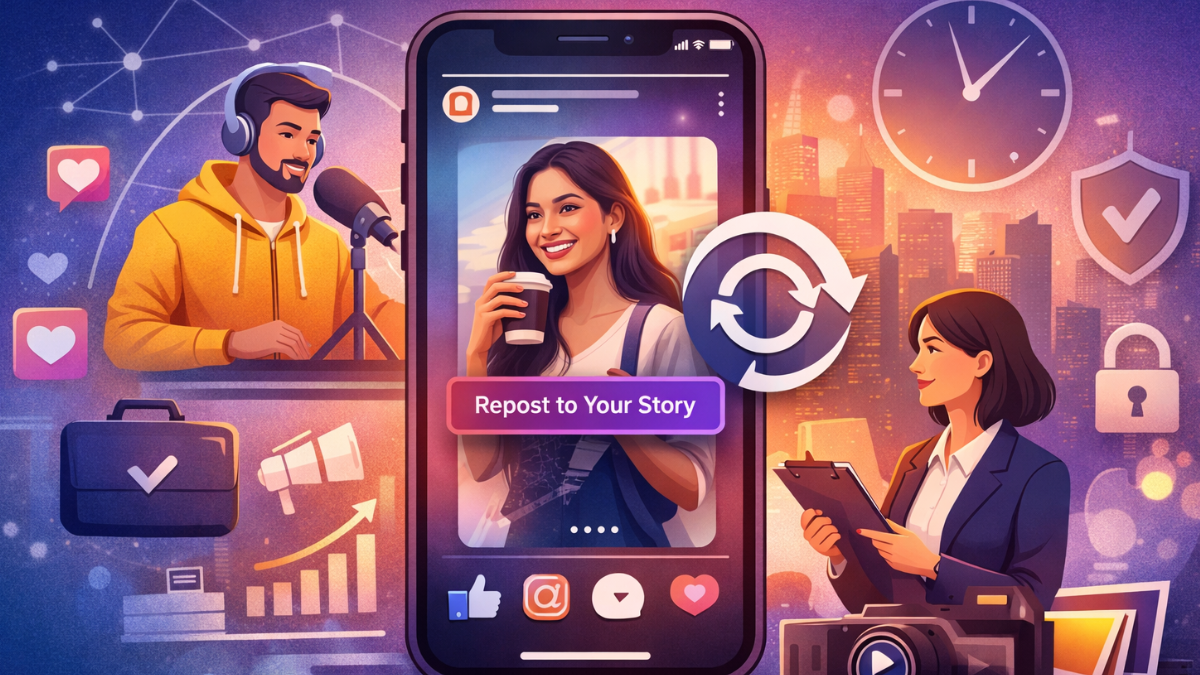
Instagram gives you two ways to repost a story in 2026. If someone tagged you, a notification appears, tap it, and the repost option is right there. If you were not tagged, you may still see a Repost button depending on the creator’s settings. And if the button is missing entirely, there is usually a simple fix.
The steps below cover the tagged method, the untagged method, and every common error you might run into. Each step takes seconds. The full process, once you know where to tap, is under a minute.
- 1. How to Repost an Instagram Story in 2026 (When You Are Tagged)
- 2. How to Repost an Instagram Story Without Being Tagged
- 3. Instagram Story Repost Not Working in 2026: Every Scenario Fixed
- 4. How to Repost Insta Story Video Correctly
- 5. How to Repost Insta Story Full Screen for Maximum Impact
- 6. Advanced IG Story Reposting for Brands and Influencers
- 7. Legal and Ethical Rules for Reposting Instagram Stories
- 8. Role of Reposting in UGC and Brand Growth
- Conclusion
- About Hobo.Video
1. How to Repost an Instagram Story in 2026 (When You Are Tagged)
Follow these five steps. The process takes under 60 seconds.
Step 1: Open the notification.
When someone tags you in a story, Instagram sends a notification to your activity feed. Tap it. Alternatively, open your Direct Messages and find the conversation with your username mentioned.
Step 2: Tap “Add to Your Story.”
Inside the notification or message, tap the blue “Add to Your Story” button. This loads the original story into Instagram’s story editor with automatic credit to the creator.
Step 3: Choose your layout.
Use the resize icon (two arrows in the bottom corner) to toggle between cropped view and full-screen view. Full-screen reposts feel native and typically achieve higher completion rates. Tap the layout that looks cleanest on your screen.
Step 4: Add context if needed.
You can add a short text caption, a link sticker, or a mention sticker. Keep it brief. The reposted content should remain the focus. Avoid covering the original creator’s credit.

Amplify Your Brand,
One Influence at a Time.
Step 5: Post to your story.
2. How to Repost an Instagram Story Without Being Tagged
2.1 Using Built-In Permissions
Instagram now allows reposting if the creator enables public sharing. In such cases, a “Repost Story” option appears.
This new way to repost insta story reduces friction while respecting creator rights. However, many accounts still disable this option. Therefore, always check permissions.
When reposting without tags, Instagram auto-credits the creator. This transparency protects brands legally and ethically. Learning how to repost insta story to your story without tags helps brands reshare UGC during flash campaigns.
3. Instagram Story Repost Not Working in 2026: Every Scenario Fixed
The repost button can disappear for several reasons. Here is exactly what to check and how to fix each scenario.
5.1 Creator Has Disabled Story Resharing
Instagram allows users to disable resharing in Story Settings. If the creator has turned off “Allow sharing to story,” the “Add to Your Story” button will not appear even if you are tagged.
Fix: Ask the creator to enable resharing. They can find this option under Settings → Privacy → Story → Allow sharing to story. There is no workaround without their action.
5.2 The Story Is From a Private Account
Private account stories can only be viewed by approved followers. Reposting is restricted to followers only. If you are not an approved follower, you will not see the repost option.
Fix: Request to follow the private account. Once approved, you can repost their stories if they tag you or enable public sharing. If they do not approve your follow request, reposting is not possible.
5.3 The Story Has Expired (24-Hour Limit)
Instagram Stories disappear after 24 hours. Once a story expires, it cannot be reposted from the original source.
Fix: Ask the creator if the story is saved to their archive or highlights. If it is in their highlights, they can reshare it as a new story, which you can then repost. If it is only in their archive and they choose not to reshare, the content is no longer available for reposting.
5.4 You Are Not Tagged or Mentioned
Instagram only sends repost notifications when your username is directly mentioned in a story. If the creator shared content about your brand but did not tag you, you will not receive the “Add to Your Story” prompt.
Fix: DM the creator and ask them to tag you in a new story, or request permission to download and re-upload the content manually with credit. Always get written consent before reposting untagged content.
5.5 Business Account vs Personal Account Restrictions
Business and Creator accounts have different default settings than personal accounts. Some business accounts disable resharing to maintain control over branded content.
Fix: There is no setting override. If a business account has disabled resharing, you must negotiate repost rights directly. Many influencer contracts now include repost permissions as a standard clause.
5.6 Outdated App Version
Instagram updates repost features several times per year. An outdated app version may not display the latest repost interface, including the “Add to Your Story” button.
Fix: Update Instagram through the Google Play Store or Apple App Store. After updating, close and reopen the app. If the button still does not appear, the issue is permission-based, not technical.
5.7 iOS vs Android Differences
The repost interface is nearly identical on iOS and Android, but older Android devices on fragmented OS versions may experience slight delays or layout differences.
Fix: Ensure both your device OS and Instagram app are updated. If the problem persists on one device, try logging in on a different device to confirm whether the issue is account-based or device-based.
4. How to Repost Insta Story Video Correctly
Video dominates engagement.Instagram datashows video stories receive 23% more replies than static ones. Therefore, knowing how to repost insta story video matters.
Maintain original aspect ratios. Avoid cropping faces or logos. Instagram now warns users when clarity drops.
Add short context captions explaining why you are resharing. Brands using UGC Videos see stronger trust. Nielsen reports 92% of consumers trust UGC more than ads.
Ensure audio remains intact. Music rights now sync automatically during reposting, avoiding muted stories. Many creators rely ontools that help streamline story creationand resharing workflows across Instagram’s evolving interface.
5. How to Repost Insta Story Full Screen for Maximum Impact
Full-screen reposts feel immersive. Instagram encourages this format because it improves retention. Stories designed full screen achieve up to25% higher completion rates.
Tap the resize icon and stretch content edge to edge. Remove borders and clutter. This works best for testimonials, reviews, and influencer shoutouts.
Creators prefer full-screen reposts because it respects design. Brands benefit visually. Therefore, mastering how to repost insta story full screen strengthens storytelling.
6. Advanced IG Story Reposting for Brands and Influencers
8.1 Strategic Reposting for Influencer Marketing
Reposting strategically drives conversions. Brands should reshare high-performing influencer content during peak hours. In India, engagement peaks between 7 PM and 10 PM.
Add CTAs using sticker links. Swipe-ups may be limited, but links still convert well. This improves Instagram story sharing results.
Influencers also benefit. Reposting brand stories signals professionalism. Many top influencers in India now include repost clauses in contracts. Understanding how reposted stories perform over time helps refinecontent strategies and improves future engagementoutcomes.
7. Legal and Ethical Rules for Reposting Instagram Stories
Copyright enforcement increased in 2026. Instagram removes unauthorized reposts quickly.
Always seek consent if unsure. DMs work best. Ethical reposting builds long-term trust.
Brands operating in India must follow ASCI disclosure rules. Reposts should maintain original disclosures. This protects credibility and aligns with E-E-A-T standards.
8. Role of Reposting in UGC and Brand Growth
Reposted stories act as social proof. They influence purchase decisions faster than ads.
Hobo.Video campaigns show brands using reposted UGC see 3x higher engagement. Reposts feel organic and reduce ad fatigue.
AI UGC tools now identify high-performing stories automatically. Brands can repost winners instantly, combining AI with human storytelling.
Therefore, learning how to repost an Instagram story in 2026 supports scalable growth.
Conclusion
Key Takeaways
- Use built-in repost options first
- Prefer full-screen reposts
- Always credit creators
- Repost during Indian peak hours
- Balance reposted and original stories
- Respect permissions and copyrights
Mastering how to repost an Instagram story in 2026 requires intention and ethics.
About Hobo.Video
Hobo.Video is India’s leading AI-powered influencer marketing and UGC company. With over 2.25 million creators, it offers end-to-end campaign management designed for brand growth. The platform combines AI and human strategy for maximum ROI.
Services include:
- Influencer marketing
- UGC content creation
- Celebrity endorsements
- Product feedback and testing
- Marketplace and seller reputation management
- Regional and niche influencer campaigns
Trusted by top brands like Himalaya, Wipro, Symphony, Baidyanath and the Good Glamm Group.
Good ideas deserve a stronger brand presence. Let’s make it happen. Talk to us.
Influencer? Let’s get you discovered by the right brands. Sign up today.
FAQs
Can I repost an Instagram story without being tagged?
Yes, if the creator has enabled public sharing in their Story Settings. When this option is turned on, a “Repost Story” option appears on their public stories. If the setting is disabled, you must request permission directly via DM. Always get consent before reposting untagged content, as unauthorized resharing can lead to content removal.
Does reposting affect reach?
Yes. Reposted stories signal engagement to Instagram’s algorithm, which can improve story placement in your followers’ feeds. Reposts also tend to receive interaction from both your audience and the original creator’s audience, extending visibility beyond your usual reach.
Is reposting legal in India?
Yes, reposting is legal when done with the original creator’s permission and proper credit. Unauthorized reposting may violate copyright laws. Brands operating in India must also follow ASCI disclosure guidelines, ensuring that sponsored or partnership content maintains its original disclosures when reposted.
What format performs best?
Full-screen videos deliver the highest completion rates for reposted stories. Video stories also generate more replies than static images. Use the resize icon to stretch content edge to edge, removing borders and clutter for the most immersive viewing experience.
What should I do if the Instagram story repost button suddenly disappears?
If the repost button disappears, the creator has likely disabled resharing or their account is private. Check story permissions, confirm you are tagged, and request consent via DM if needed. Also update your Instagram app, as outdated versions may hide newer features. If you are on a Business account and the creator is on a personal account with restricted settings, test the feature on a different device to rule out technical issues.
Can you repost a story without the person knowing?
No. Instagram automatically credits the original creator when you use the “Add to Your Story” button, and your repost appears in their story viewers list. If you screenshot and re-upload content without using the built-in repost feature, the creator may still discover the repost through mutual followers or manual checks. Always obtain consent to avoid disputes.
Why can’t I see the Add to Your Story button?
The button disappears when the creator has disabled story resharing, their account is private and you are not an approved follower, the story has expired after 24 hours, or you are using an outdated app version. Check each of these conditions in the troubleshooting section above for detailed fixes.
Does reposting a story notify the original creator?
When you use the “Add to Your Story” button, the original creator is credited automatically in the reposted story. They are not sent a separate push notification solely for the repost, but they can see who reposted their story by checking their story viewers or by looking at the original notification where you were tagged. Your repost is visible to them through standard Instagram activity tracking.

 Ankita Saha
 Neeti Katyal